


 17 / 42

17
Student Portal
Q & A
What is the Student Portal?
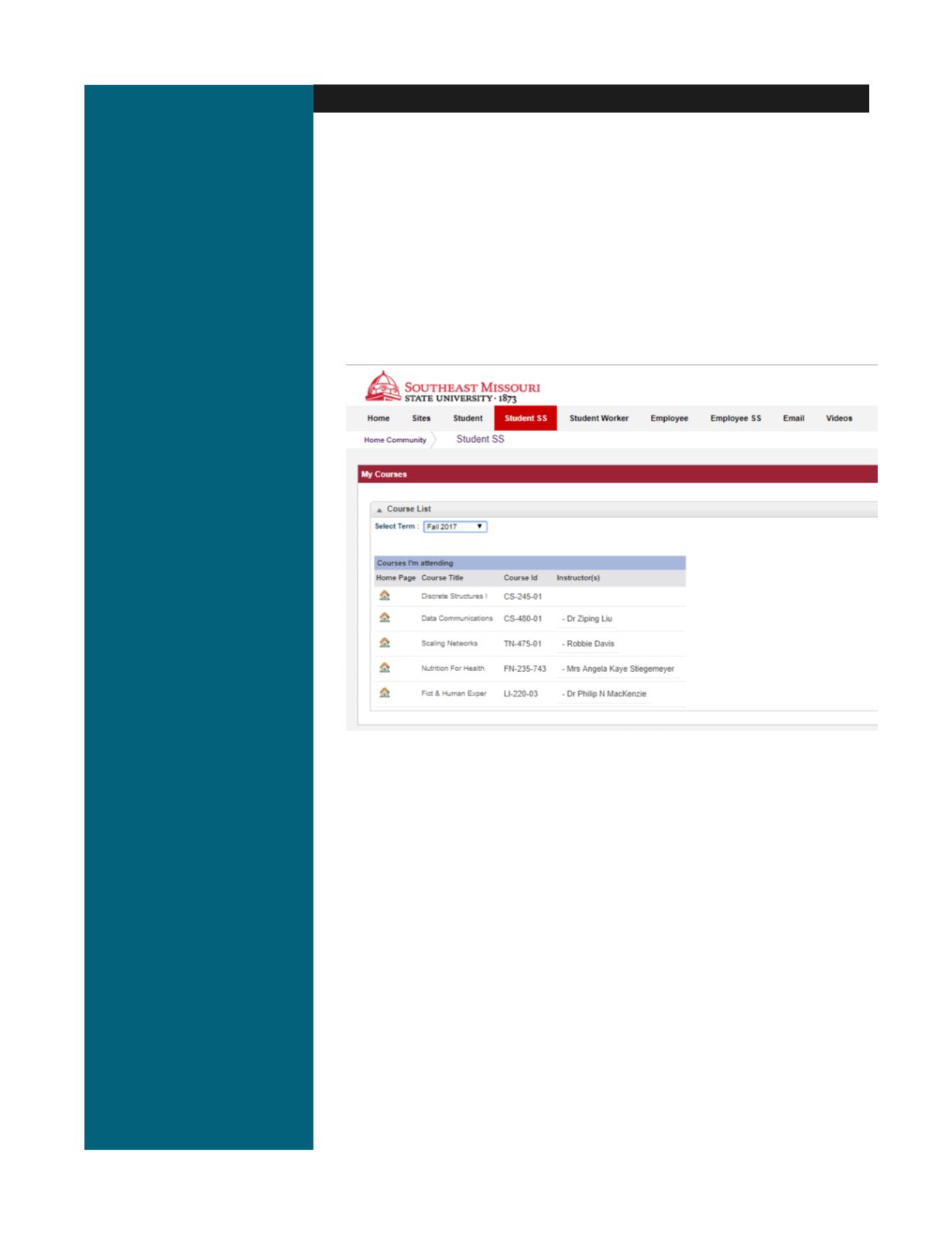
This secure site provides students with Intranet and Internet services. Among
other things, students can register for courses, check email, access class Web
sites, maintain a personal calendar and participate in portal groups.
How do I access it?
Use your SE Key and password to login to the portal. It is a single sign on that
provides a secure connection to your information.
Do I have to logout when I am finished or can I just close my browser?
It is critical that you logout by clicking the
Logout
icon that is available. This
ensures that no one else can access your information. Closing the browser alone
will
not
log you out of the portal.
Where do I go for help?
Any of the lab assistants in the open computer labs will be able to assist you.
There is also an on-line Help icon in the portal or you can contact the Help Desk at
573-651-4357 (HELP)
for assistance.
*The portal system will timeout after 5-15 minutes of inactivity.
*Access to your portal account using your SE Key will continue even after
your Southeast email account has expired.